Seven steps. The same order on every project.
A method built on ISO 19650, in the same terms owners write their requirements in: we know what we will deliver, when, and how we will check it, before we start.
From the first EIR clause to the last asset in the AIM.
Respond to the EIR
We read the OIR, PIR, AIR, EIR and LOIN requirements, alongside the codes and specifications.
Every clause becomes a line in a compliance matrix: what we deliver, when, how we check it and who owns it. From it we write the pre-appointment BEP and complete the capability and competency assessment, mobilisation plan and risk register.
Plan the delivery
The post-appointment BEP, MIDP, TIDPs and the RACI matrix.
Every deliverable with its owner and date at each information delivery milestone: concept, schematic, detailed, issued for construction, construction and handover, or the RIBA stages, whichever the owner uses.
Work inside the owner's CDE
WIP → Shared → Published → Archived, with the owner's templates, naming and shared parameters.
On Autodesk Construction Cloud, Aconex or any environment the owner approves, with role-based access, a security-minded approach to ISO 19650-5 and shared coordinates for every discipline.
Model to the LOIN and MDS
LOD and LOI for every element at every stage, each with a named Model Element Author (MEA).
LOD 350 to the end of design, LOD 400 for construction and fabrication, LOD 500 for a site-verified as-built model, with every element classified to Uniclass.
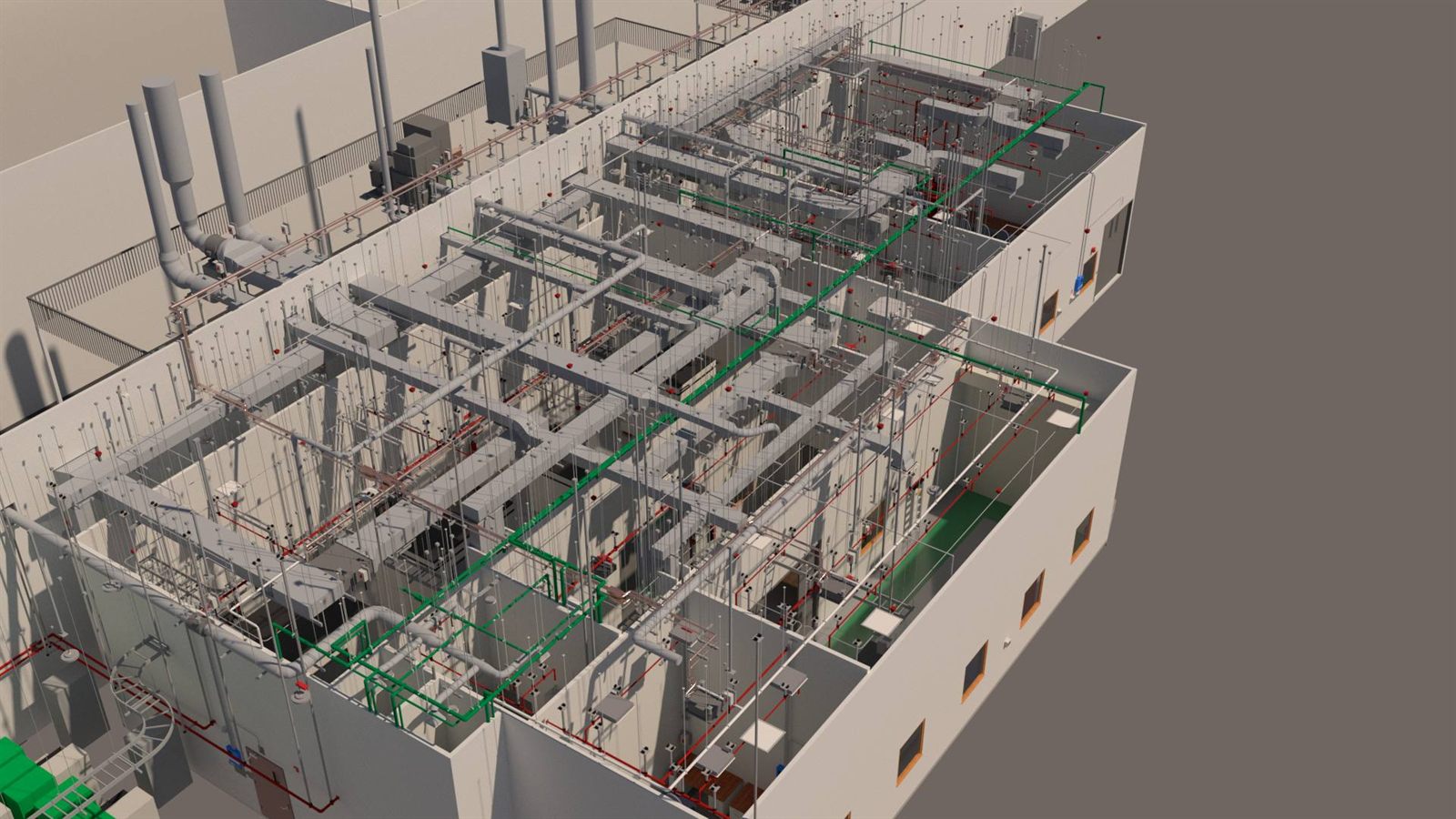
Coordinate every week
A federated Navisworks model and a prioritised clash matrix.
Hard, clearance and maintenance-access clashes, every issue tracked in BCF to closure, and a clash report with proposed solutions for each technical coordination meeting.
Check and submit
The model QA/QC checklist before every data drop, and a response to every comment.
Drawings, schedules and quantities come out of the model, are submitted under the agreed review codes (accepted, accepted with comments, revise and resubmit, rejected), and comments are closed on the owner's comment sheet.
Hand over the AIM
COBie, asset tags and O&M manuals.
We update the model with what was built, verified by laser scan where required, and hand over the asset information model ready for CAFM and any digital twin the owner uses.
Three checks before every data drop.
1 · Model QA/QC checklist
Naming, classification, required parameters, duplicate elements and model warnings, with tools we build in Dynamo and the Revit API.
2 · Discipline review
The discipline engineer reviews the model and sheets against code, specification and the LOIN.
3 · Coordination review
The BIM coordinator verifies clearances and interfaces between systems, and that model and drawing agree.
A coordination report in numbers, not impressions.
Every week you know exactly where your project stands against the MIDP, without having to ask.
- Clashes found and closed by discipline, by priority.
- The CDE status and review code of every file.
- Open comments and site queries, with their responses.
- Model health: warnings, naming and required parameters.
- Progress against the MIDP and the two-week look-ahead.
Industry software, the owner's environments, open formats.
We work on the platform the owner specifies and deliver in open formats that do not lock it in.
- Autodesk Revit
- Civil 3D
- Navisworks Manage
- Autodesk Construction Cloud
- Aconex
- Revizto
- AutoCAD
- Dynamo
- Revit API
- IFC / IFC 4.3
- LandXML
- BCF
- COBie
Send the scope. Get a clear proposal.
Send us the drawings or scope and the developer's requirements. You get a technical and commercial proposal within 2 working days.